Smart reminders
Create dependable reminders from WhatsApp messages with timezone-aware scheduling.


coming soon
WhatsApp-first personal knowledge and reminder assistant.
Capture notes, reminders, lists, and insights directly through WhatsApp and organize them with AI-powered assistance.
reminder delivery reliability target
support response goal (business days)
Features
LenNotes turns everyday WhatsApp messages into organized notes, reminders, lists, and searchable context without pulling you out of chat.
Create dependable reminders from WhatsApp messages with timezone-aware scheduling.
Store quick notes and reference points so important details are easy to retrieve later.
Turn incoming messages into structured lists with clean categories and action states.
Use natural search and AI-assisted summaries to find patterns and recent activity faster.
Interact with LenNotes directly from chat and keep your workflow inside WhatsApp.
Customisability
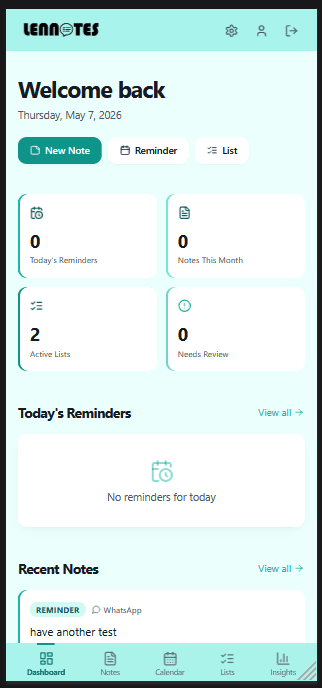
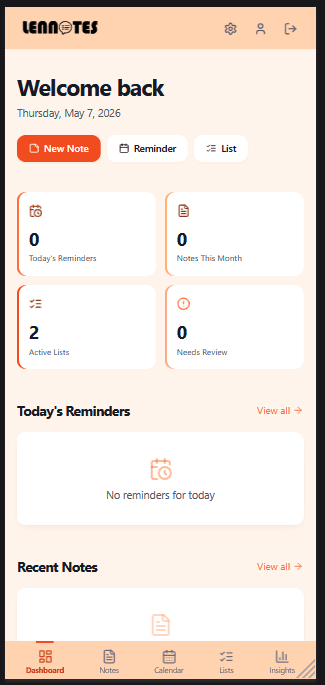
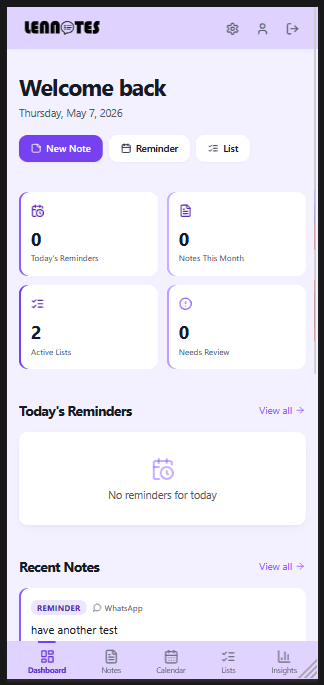
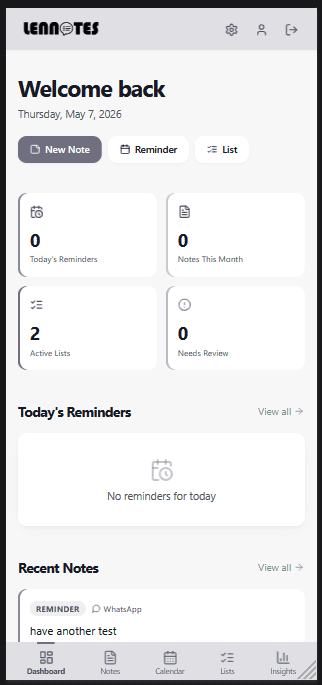
Personalise LenNotes with themes and visual modes that match how you like to work. Keep your familiar structure while switching between clean grayscale focus and vibrant colour layouts in seconds.
Set up your LenNotes profile with a standard email and password flow.
Confirm ownership of your number before linking WhatsApp messaging access.
Connect your account and authorize the WhatsApp assistant session.
Start by sending a note, reminder, or list instruction in plain language.
Keep adding and retrieving information from the same chat-first workflow.
What LenNotes is: WhatsApp-first personal knowledge + reminder assistant.
Who it's for: busy users, students, founders, and professionals.
Main use cases: “Remind me tomorrow at 9”, “Remember I paid rent”, “Add milk to shopping list”, “What did I spend this week?”
Platform support: web, WhatsApp, and mobile browser support.
Availability: regional rollout planned with language coverage and timezone handling.
Account creation uses email/password onboarding, followed by phone verification and SMS code confirmation. Numbers should be provided in E.164 format (for example: +27...).
WhatsApp setup: save the LenNotes number, send your first message, and wait for account-link confirmation before command use.
Future pricing details will be finalized closer to launch.
Core capture and reminders (launch-limited).
Expanded AI summaries and advanced organization controls.
Shared workspaces, audit context, and role-aware collaboration.
Expected response time target: within 24 hours (business days).
Your notes stay private, encrypted, and under your control.
Stored data includes notes, lists, reminders, and verified phone numbers tied to account identity.
Encryption is applied in transit and at rest. Auth tokens are scoped and password credentials are hashed.
Third-party services: OpenAI, AWS SES/SNS, and Meta WhatsApp Cloud API.
Retention and deletion policies, incident reporting process, and compliance controls are in rollout preparation.